AYON Core 1.10.0 - New Desktop App UI
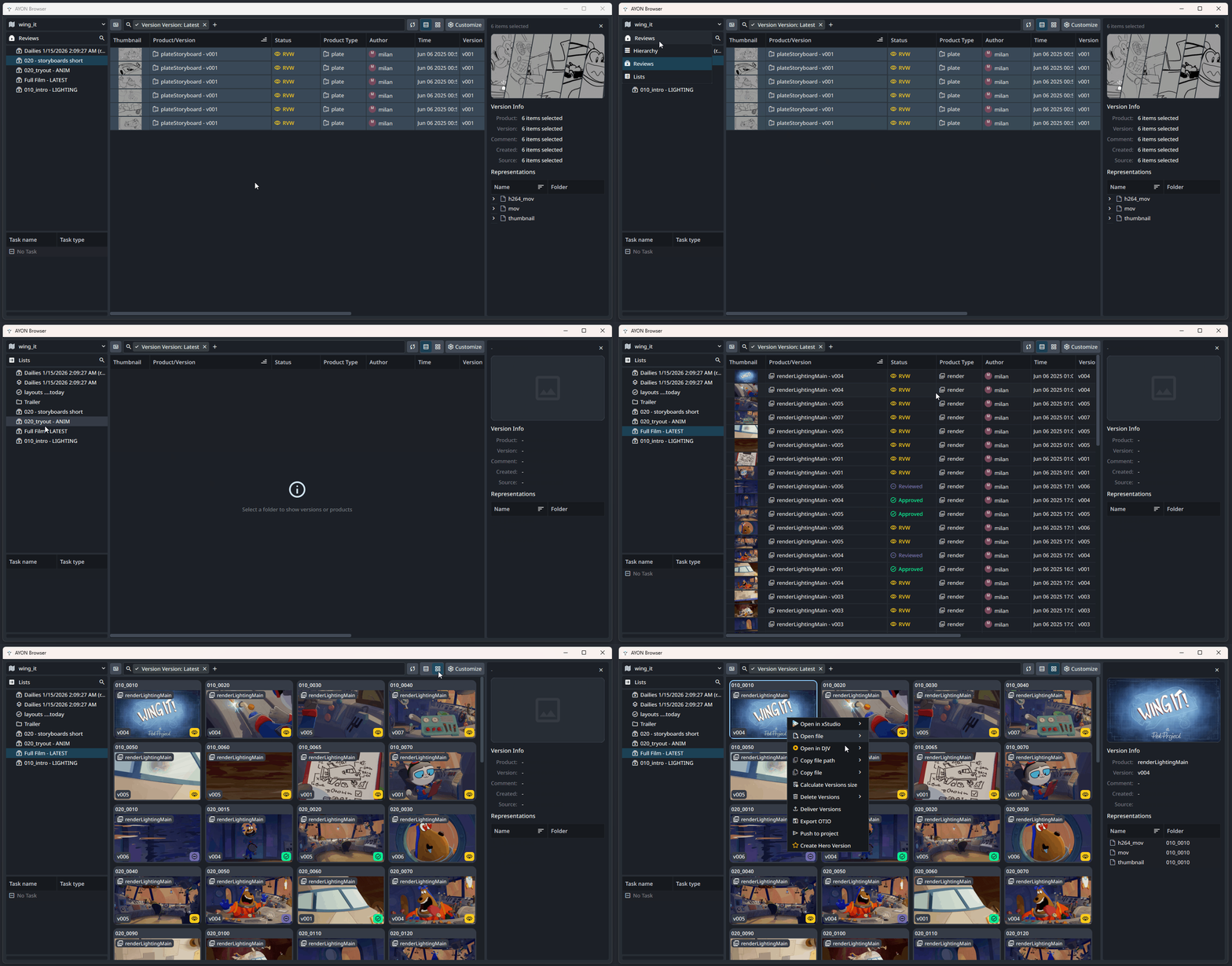
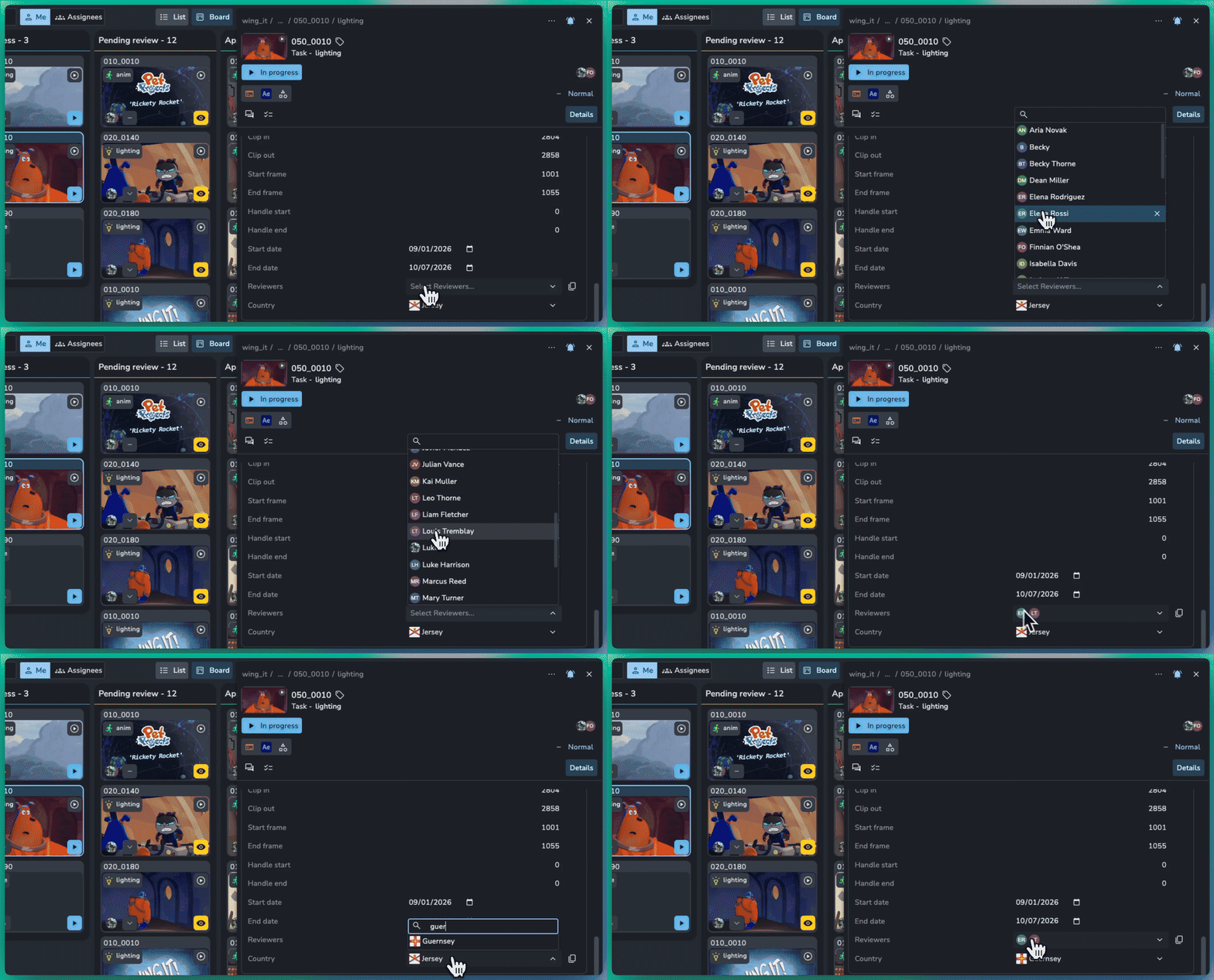
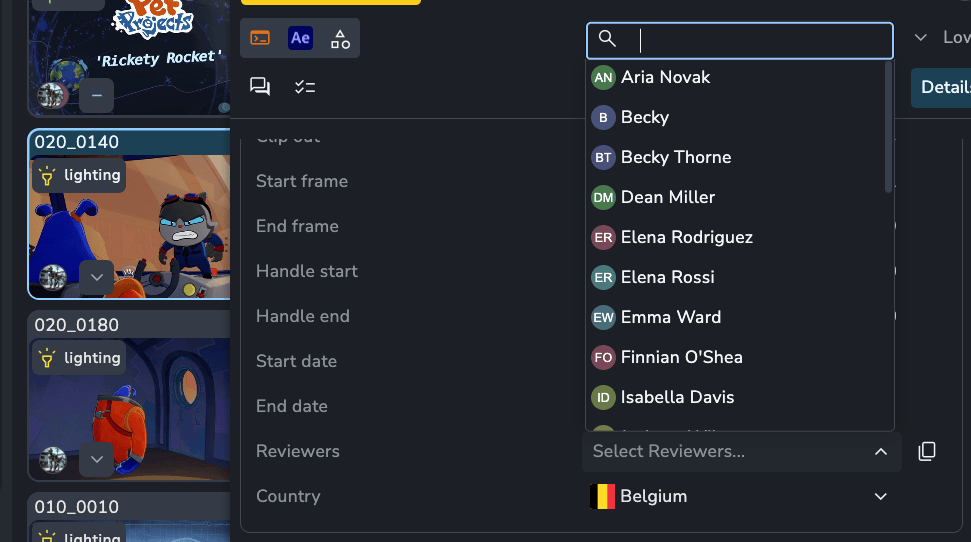
AYON Core 1.10.0 brings the desktop tools closer to the AYON web app. The Launcher, Workfiles tool, and Loader now share the web app's look and many of its interaction patterns, so if you already know your way around AYON in the browser, the desktop tools should feel familiar too.
Consistent UI Enhancements
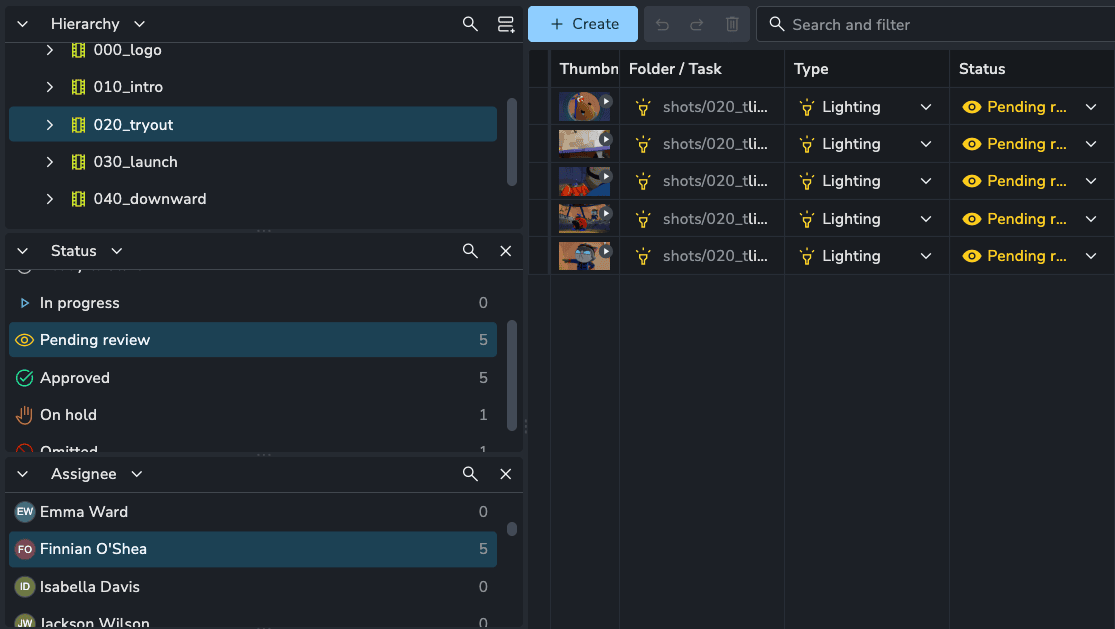
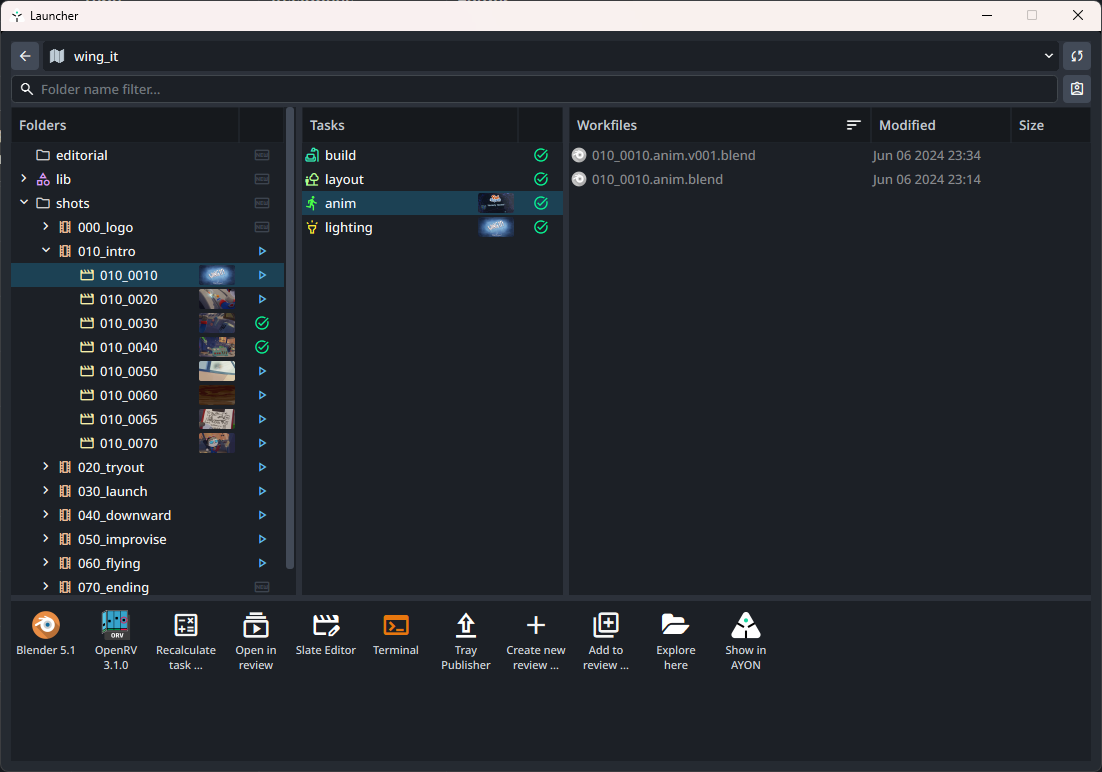
The Launcher, Workfiles tool, and Loader now share the color theme of the AYON web app, along with a new folder and task tree that shows each entity's status.
Performance Improvements: This update also includes performance improvements across the Loader and Publisher.
Statuses in the folder and task tree: Every folder and task shows its thumbnail and status icon. Hover over the icon to see the status name.
Launcher: Along with the new tree, the filter for showing only tasks assigned to you has a new icon, at the top right.
Workfiles tool: Uses the same tree, so you can see folder and task statuses while opening and saving workfiles.
Notifications: Toast messages follow the same visual language as the web app.

Meet the New Loader/Browser
The Loader, which is the same tool as the standalone Browser, got the most updates in this release. Its products area now works like the Products page of the AYON web app:
Table and cards views: Switch between a detailed table and a cards layout with large thumbnails.
Filter and Group By: Filter versions, for example to show only the latest, and group them by product, status, or attributes such as Product Group.
Customize and Views: Use Customize to adjust the layout, such as the row height in the table or the card size in the cards view, and use the Views button at the top left to switch between saved views. These work the same way as on the Products and Versions Page.
Multiple selection: Select several versions, and their thumbnails are combined into one preview, each shown as a diagonal slice.
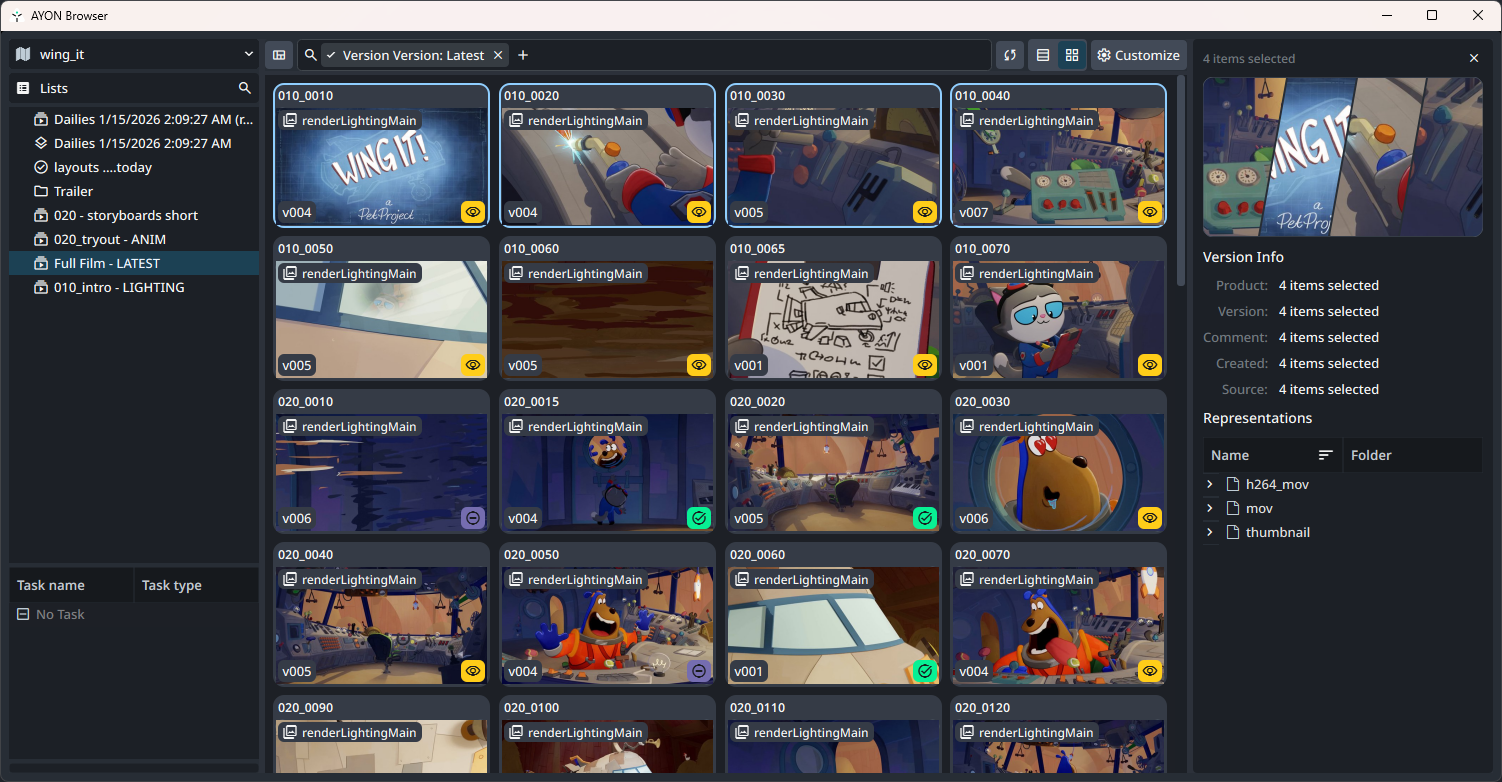
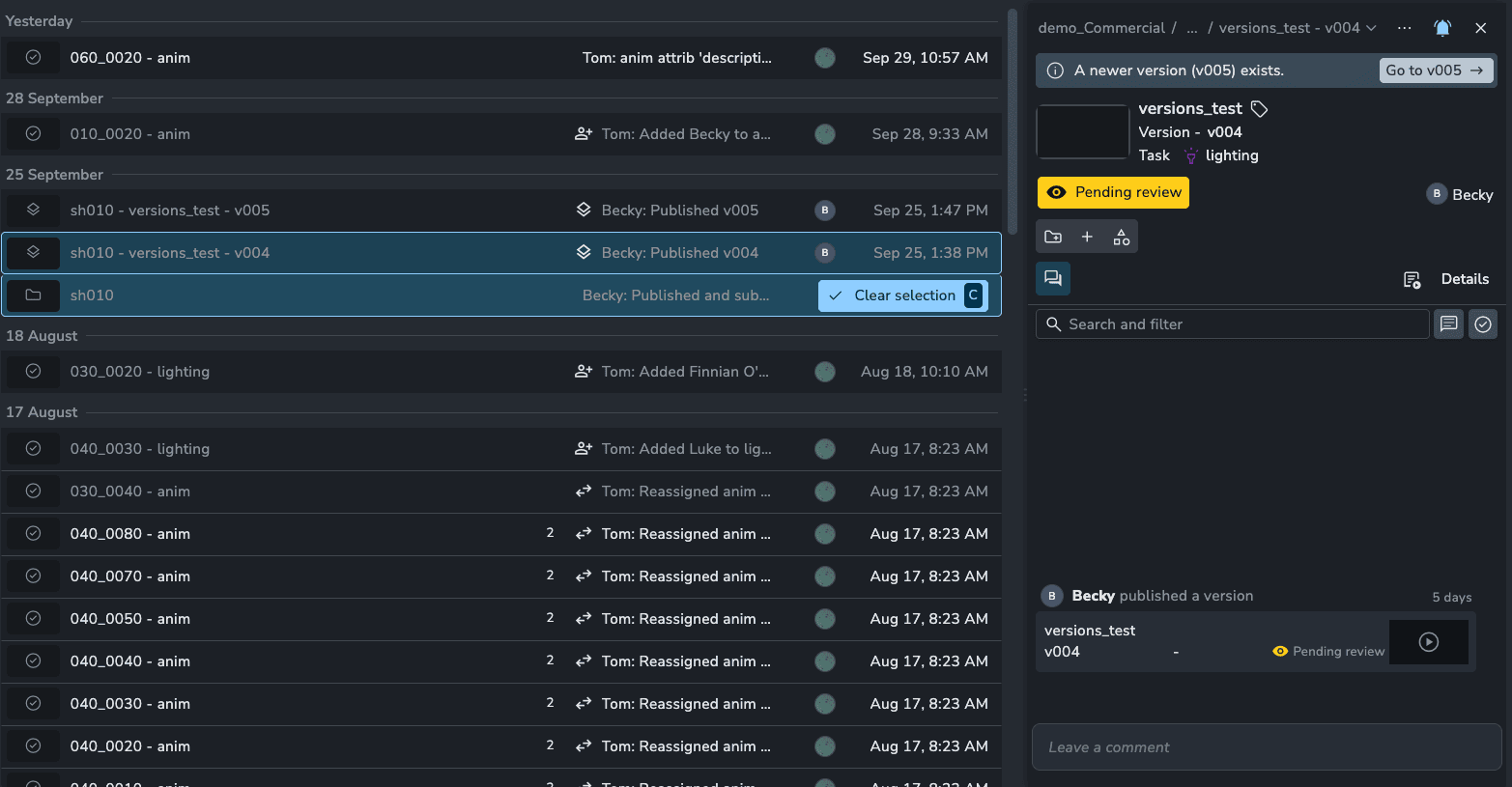
The slicer on the left lets you choose how to find versions: by Hierarchy, Reviews, or the new Lists. Select a review session or list to see the versions it holds.
Changelog
Enhancements
Browser: Added a Lists slicer category with list folders. #2167
Browser: Group versions by product attributes, such as Product Group, using a new nested Group By menu. #2132
Browser: Set the product group of selected products with
Ctrl+G. #2138Browser: The filter bar adds Select all, Clear, and Toggle buttons, and an Excludes toggle to filter out the selected values. #2140
Browser: The version context menu opens much faster, and selecting versions no longer blocks the UI. #2130
Browser: The cards view loads only the fields its cards show. #2134
Browser: Clicking an already selected version no longer starts new background queries. #2142
Publisher: Faster reset with many instances. #2107
Publishing: The two hero version integrators are merged into one
IntegrateHeroVersionplug-in. This also fixes hero versions not being created for instances with only trait-based representations (broken since 1.9.11). #2117Load placeholder: Added hero version support. #2110
Settings: Complex core settings now have descriptions. #2121
UI: Overlay messages now match the style of the AYON web app's toasts. #2155
UI: Disabled checkboxes are drawn faded. #2133
UI: The project combobox uses the Low style by default. #2158
UI: Task rows no longer show the task type in the label; the full label is in the tooltip. #2157
Loader: Rich text in loader labels no longer blocks mouse clicks. #2124
Bug fixes
Browser: Hero versions are shown and filtered correctly. #2156
Browser: Fixed views stuck loading in hosts whose log output fails from worker threads, such as DaVinci Resolve on macOS. #2137
Publisher: Fixed the active toggle in the List view, which re-enabled disabled instances on publish. #2151
Publishing: Errors are now caught when cleaning up explicit directories. #2168
Scene Inventory: Fixed the tool showing empty when a container's project is missing. #2112
Scene Inventory: Fixed containers with the same representation id in different projects using the wrong project's data. #2114
Load: Fixed the outdated containers check failing when a container's project is missing. #2113
Nuke Assist: Opens the workfile on launch, like Nuke and NukeX. #2125
Launcher: The workfile path is normalized before it's added to launch arguments. #2126
For developers
AbstractTemplateBuilder.open_templateaccepts apreset. #2162EnumDefitems support aniconand atooltip. #2120Fixed a segfault in UI tests. #2150
Get the Update
Install AYON Core 1.10.0 from the AYON Market.
Duplicate your production bundle and edit the copy.
Select Core 1.10.0, then create the bundle.
Set the new bundle to Staging to test it, then to Production when you're ready.
For more information, see Install Addons.